Presets
To create flexible keyframe graphs based on common animation patterns.
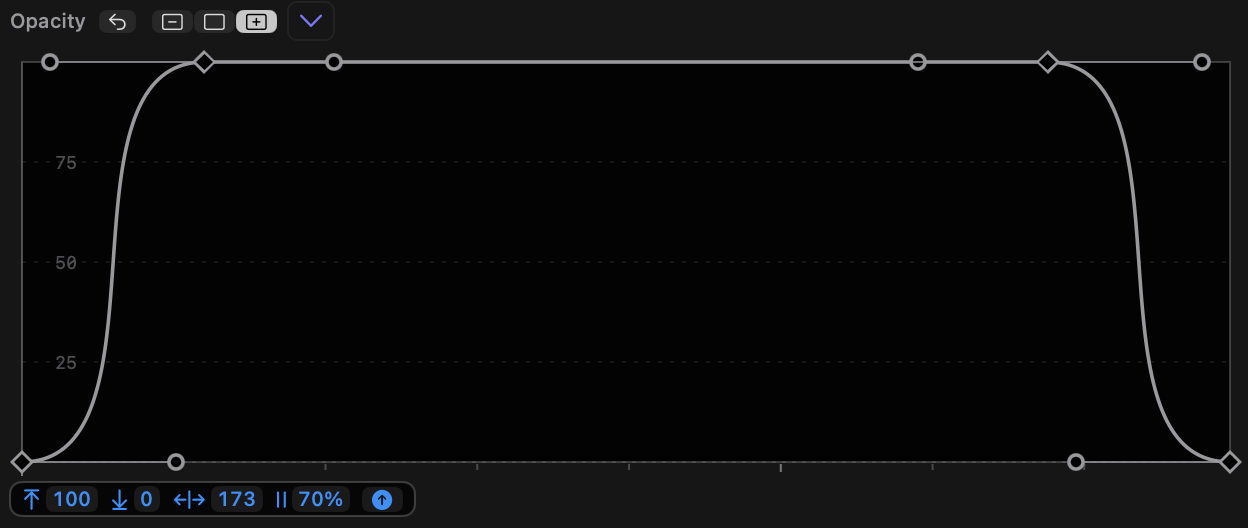
- The graph menu and the right-click menu both contain a Presets submenu.
- Adjusting the controls on these presets allows many common animation patterns to be created, including bounces, fades up and down moves in and out, and more.
- If no keyframes are selected, these presets replace the entire graph.
- If two or more contiguous keyframes are selected, these presets apply within the selected keyframe range, using the width and height of the selected keyframes. This allows more than one preset to be used in the same graph.
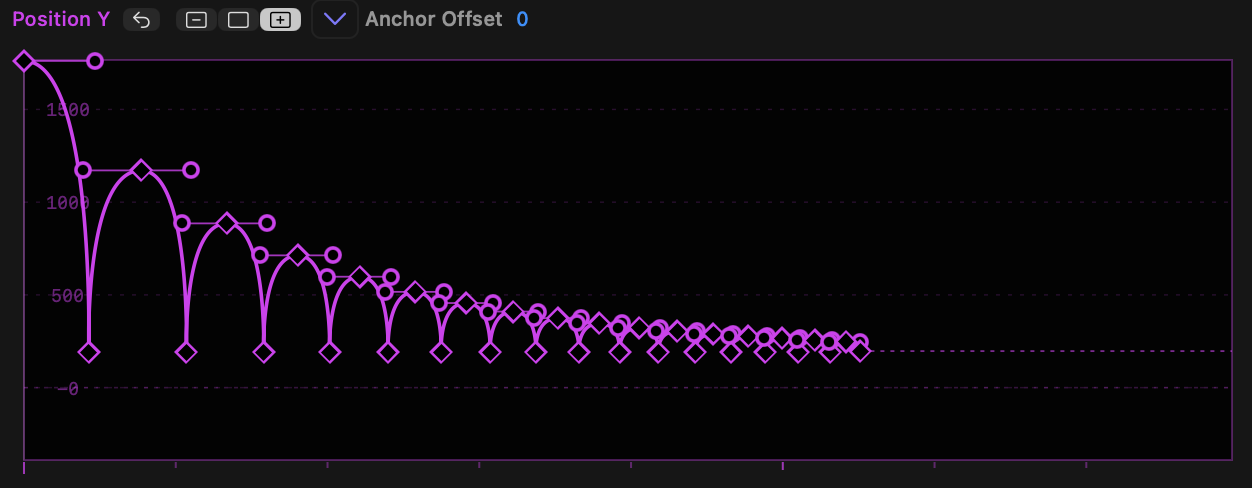
- The presets include:
- Oscillate (repeated movements up and down, with modes for bouncing)
- Min, Max (move in one direction)
- Min, Max, Min (move in one direction and then immediately back)
- Min, Max, Hold, Min (move in one direction, pause, move back)
- Min, Mid, Hold, Max (move halfway, pause, move further)
- Note that all these presets include a toggle to invert the graph.
- While it’s possible to control the upper and lower limits of any presets after choosing it, selecting multiple keyframes before choosing a preset sets the limits from keyframe values.
- In each case, when a preset is chosen, several draggable options appear underneath each graph, including some of:
- Upper limit
- Lower limit (hold
SHIFTwhile dragging to change limits quickly, but they cannot exceed current graph limits) - Bend (handle size/amount of smoothing)
- Wavelength
- Phase
- Decay
- Graph type or Flip — use this to make a preset work in the opposite way, so Min, Max becomes Max, Min.
- A preset's options can be repeatedly changed until a keyframe is moved or the clip selection in FCP is changed.
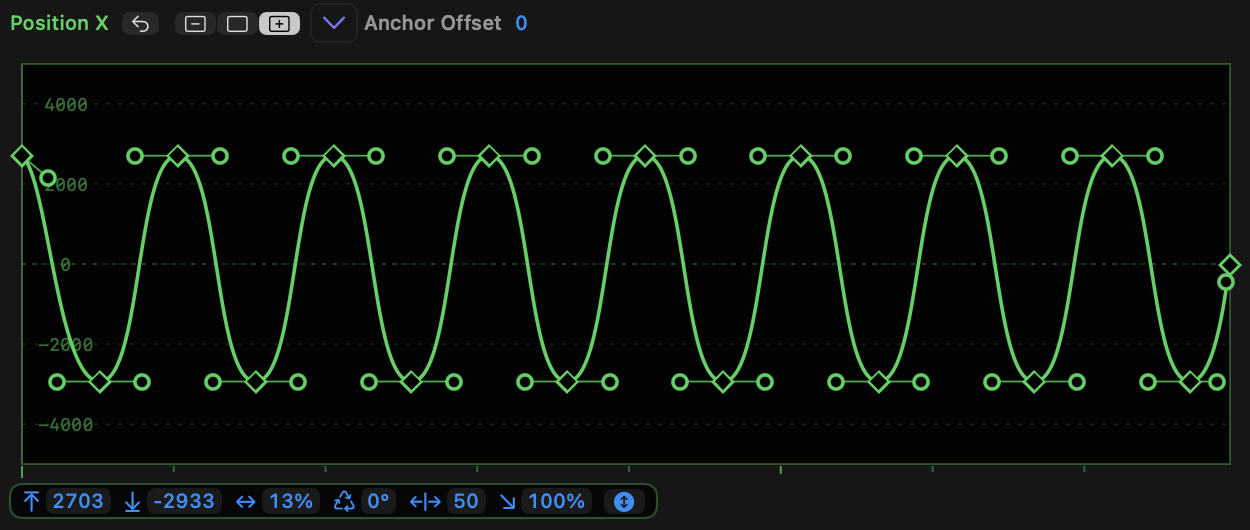
- In Oscillate, the options are:
- Upper limit
- Lower limit
- Wavelength
- Phase
- Bend (handle strength)
- Decay
- Oscillate mode, which cycles through a Sine wave, a bounce down and a bounce up
- In Min, Max and Min, Max, Min, the options are:
- Upper limit
- Lower limit
- Bend (handle strength)
- A toggle to flip the graph, reversing Min and Max
- In Min, Max, Hold, Min and Min, Mid, Hold, Max, the options are:
- Upper limit
- Lower limit
- Bend (handle strength)
- Hold duration (in %)
- A toggle to flip the graph, reversing Min and Max
- Remember that when a single keyframe is adjusted, the controls disappear. Simply select the keyframes and choose the preset once more.