Installation
You can download Keyframe Toolbox from the Mac App Store.
Once purchased and downloaded run the Keyframe Toolbox application:
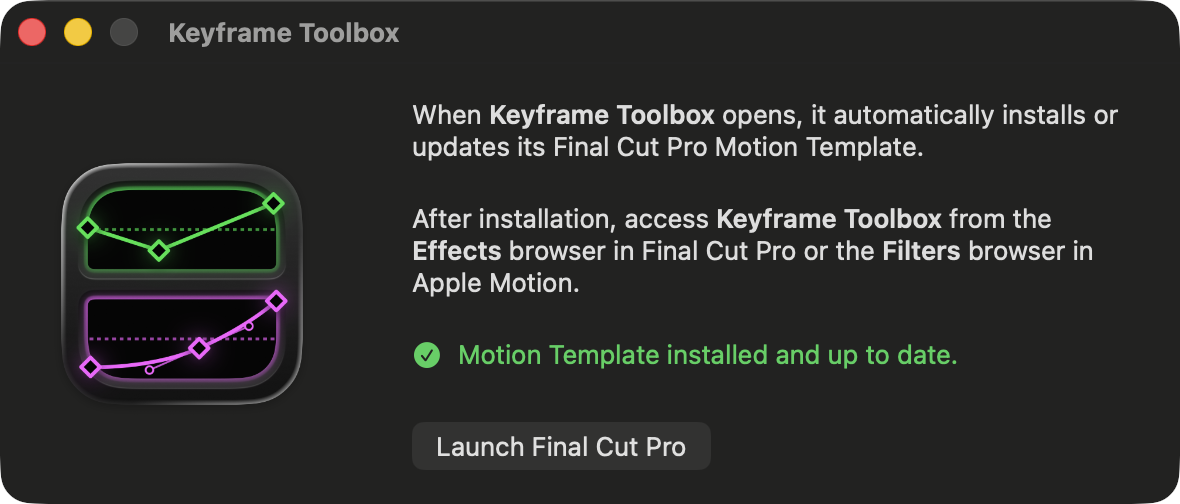
This will automatically install the Keyframe Toolbox Motion Template.
Once done, you can quit the Keyframe Toolbox application and launch Final Cut Pro.
You'll find Keyframe Toolbox in the Effects Browser.
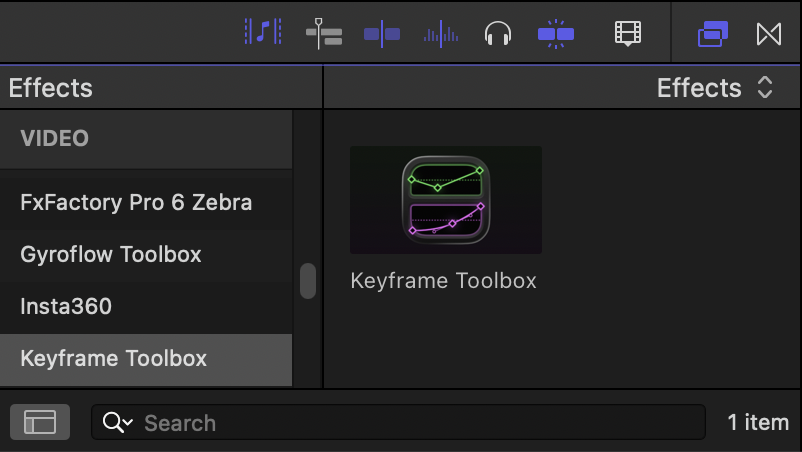
You can then apply Keyframe Toolbox to any effect and away you go! If you want to use it regularly, you can right-click it and choose Make Default Video Effect. To apply it, you can then use OPTION (⌥)-E.