# Linked keyframes
Multiple keyframes on separate properties can be linked to keep time and handles in sync. `New in v1.3`
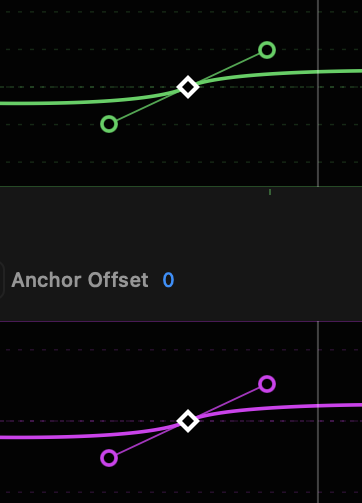
- **Two or more keyframes positioned at the same point in time can be linked with the Link Keyframes command** in the right-click or graph menus.
- Linked keyframes are drawn with a **thicker outline**.
- **Handle direction, handle length and keyframe time positions are synced** between linked keyframes.
- **Keyframes can be unlinked manually**. Select one or more keyframes and choose “Unlink Keyframe(s)” in the menu.
- When only one keyframe would remain linked, it is also unlinked.
- Keyframes are also unlinked if a preset or paste operation would affect a linked keyframe.