# Deleting keyframes and handles
Keyframes and handles can be deleted.
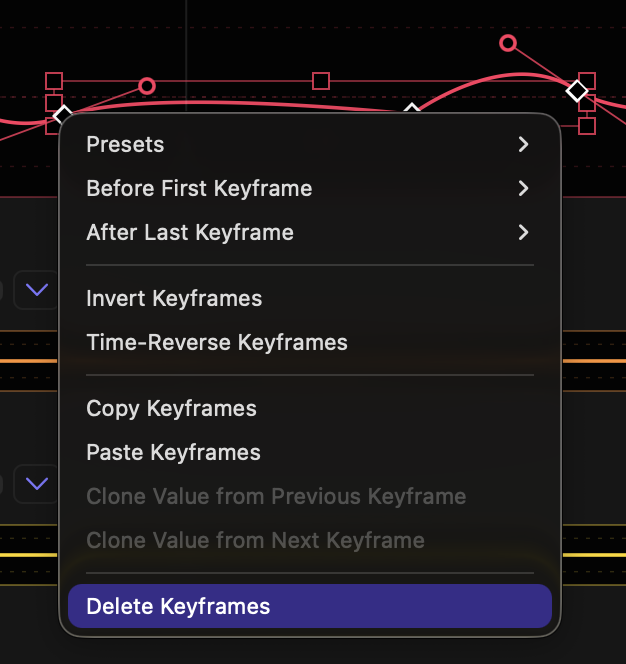
- **`CONTROL`-click on a keyframe** to delete it.
- **Right-click on one or more selected keyframes and select Delete Keyframe(s)** to delete them.
- **`CONTROL`-click on a handle** to delete it. This operation only deletes one handle in a symmetric pair.
- **`COMMAND`- or `OPTION`-click on a keyframe** to delete its handles and convert it to linear.
- The first and last keyframes can be deleted just like other keyframes, but at least two keyframes must remain — there must be a first and a last keyframe.